Essential Electrical Upgrades for Home Offices and Smart Homes
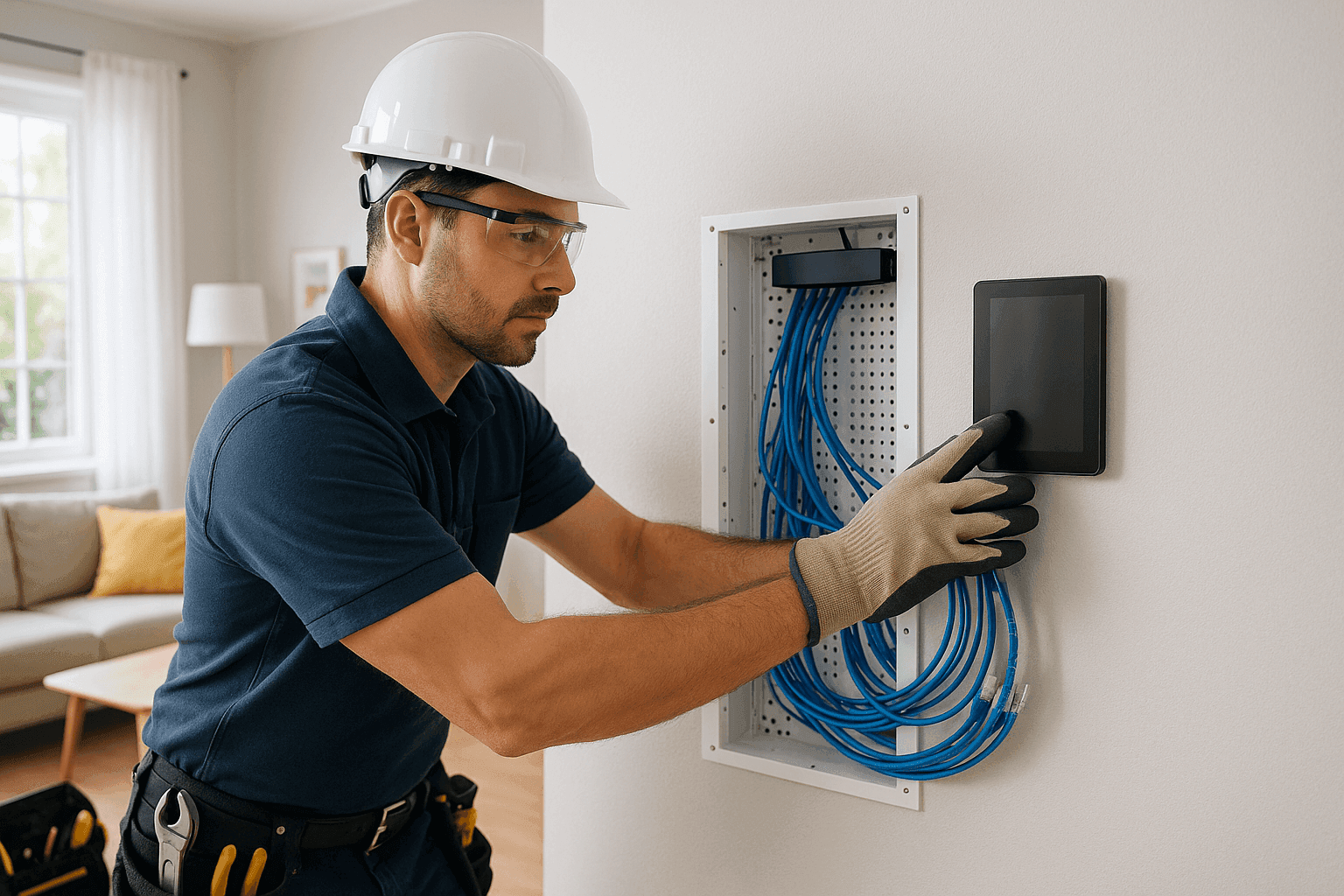
Modern life moves fast. Homes double as offices. Devices run 24/7. And “plug and play” can turn into “trip and panic” in an instant.
At Anthony Electrical, we’ve seen what happens when old wiring meets new needs. We know the headaches of flickering lights, overloaded outlets, and home office hiccups. Let’s walk through the essential upgrades that keep you powered, safe, and ready for whatever comes next.
Why Electrical Upgrades Matter Now ⚡
Think of your home as a living, breathing system. When you add a home office, smart appliances, or an EV charger, it’s like asking your heart to run a marathon after years on the couch. Without upgrades, your electrical panel and circuits may struggle to keep up.
Common signs you need an upgrade:
- Outlets that feel warm or spark
- Circuit breakers that trip for no clear reason
- Slow or unreliable Wi-Fi in your office corner
- Lights that dim when you run the microwave or printer
Ignoring these signals is like ignoring a warning light in your car. Sooner or later, it leads to bigger problems.
Essential Upgrades for Home Offices and Smart Homes
Dedicated Circuits for Home Offices
A home office isn’t just a desk and a chair. It’s computers, monitors, printers, routers, and maybe even a mini-fridge. All fighting for power.
- Dedicated circuits keep your work running smoothly by separating sensitive electronics from heavy-load appliances.
- They minimize tripped breakers and protect your gear from power dips.
- The National Electrical Code (NEC) recommends dedicated circuits for major office equipment.
Enhanced Data Cabling
Wi-Fi is great—until it isn’t. Video calls freeze. Files crawl instead of fly.
- Upgrading to Category 6 or 6a data cabling brings stable, high-speed connections to every room.
- Wired connections are less vulnerable to interference.
- Good cabling is the backbone for future tech like gigabit internet, home automation, and security systems.
Reliable Surge Protection
A power surge is like a lightning bolt in your veins. It can fry computers, smart TVs, and even your fridge.
- Whole-house surge protectors shield every device, not just what’s plugged into a strip.
- They’re required by code (NEC 2020 update) for new or replaced panels.
- This is especially important for homes with sensitive electronics or frequent storms.
EV Charger Installation
Electric vehicles are more common than ever. They need a safe, dedicated circuit—often 240 volts and up to 60 amps.
- Proper installation prevents overheating and fire risk.
- Professional setup ensures full charging speed and long-term reliability.
- And it future-proofs your home for next-gen vehicles.
Smart Home Automation
Smart homes don’t just turn lights on and off. They manage climate, security, and energy use.
- Lighting control systems make your home safer and more comfortable.
- Integrated security systems (cameras, sensors, alarms) require both power and data cabling.
- Smart thermostats and climate controls can cut energy bills.
- All of this needs careful planning—especially if you want to avoid patchwork wiring.
Quick Safety Checklist: Before Any Upgrade
- Turn off power at the main panel before any work.
- Use a voltage tester to confirm circuits are dead.
- Never overload extension cords or power strips.
- Keep water and dampness away from electrical work.
- Check for required permits—many upgrades must meet local code.
- Know your limits: when in doubt, call a licensed emergency electrician.
DIY vs. Call a Pro
It’s tempting to “just swap out a switch.” But even small jobs can hide big hazards.
DIY can be safe for:
- Changing bulbs or faceplates
- Resetting breakers
Call a professional for:
- High-Voltage Wiring near you
- New circuits or panel upgrades
- Data cabling, EV chargers, pool/spa wiring
- Anything behind walls or involving water
Electrical codes (like NEC and local rules) change often. Mistakes can mean fines, damage, or even fire. A licensed electrician stays current with safety standards and knows how to integrate new tech with old wiring.
What Happens When Pros Arrive
When Anthony Electrical shows up, we bring more than tools. We bring years of training and up-to-date knowledge.
Here’s what to expect:
- Assessment: We check your panel, wiring, and outlets to spot any risks.
- Planning: We map out the safest, most efficient way to add new circuits, cabling, or smart controls.
- Installation: We use code-compliant materials and methods—no shortcuts.
- Testing: Every upgrade is tested for safety and performance.
- Clean-Up: We aim to leave your space as tidy as we found it.
Minimizing Disruption, Maximizing Efficiency
No one wants their home turned upside down. Here’s how we keep things smooth:
- Schedule work in phases to avoid downtime.
- Use surface-mount wiring in finished spaces if needed, reducing wall damage.
- Label new circuits clearly so you always know what’s what.
- Plan for future upgrades—extra conduit or cabling now can save you time and money later.
Prevention & Maintenance Tips
- Check GFCI outlets and smoke/carbon monoxide detectors monthly.
- Schedule annual electrical safety inspections.
- Unplug devices during major storms if you don’t have whole-home surge protection.
- Keep electrical panels clear of storage or clutter.
Staying proactive helps prevent emergency calls (though we’re always ready if needed).
Costs & Time Factors
Upgrades aren’t one-size-fits-all. Some are quick; others take planning.
- Dedicated circuits: Usually 2–4 hours per circuit, depending on access.
- Data cabling: 1–2 days for a full home office or several rooms.
- Surge protection: Often done in an afternoon.
- EV charger installation: 2–8 hours, based on your panel and garage setup.
- Smart home systems: Varies widely; simple lighting can be a few hours, whole-home automation may take several days.
Cost depends on your home’s age, wiring condition, and the project’s complexity. We’ll always explain options before we start.
When It’s an Emergency
Some problems can’t wait:
- Sparking outlets or burning smells
- Repeated breaker trips
- Total power loss to part of your home or business
- Water-damaged wiring
If you see or smell trouble, shut off the power at your main panel (if safe) and call an emergency electrician immediately.
FAQ: Electrical Upgrades for Modern Homes
Do I really need a dedicated circuit for my home office?
If you use multiple devices—or notice flickering lights and tripped breakers—yes. It keeps your work safe and uninterrupted.
Can I install my own EV charger?
Not recommended. These units draw serious power and must meet code. Incorrect installation risks fire and can void your warranty.
How do I know if my panel is too old?
If it’s over 25 years old, or if breakers trip often, it’s time for an inspection. Older panels may not handle today’s loads or smart devices.
What’s the best way to protect my electronics from surges?
A whole-home surge protector at the panel is best. Plug-in strips help, but only for devices plugged directly into them.
Local and Seasonal Considerations
Climate and location matter. In some regions, summer storms or winter ice can cause surges and outages. Homes with pools or spas need extra protection—pool & spa electrical must meet strict safety codes.
If you’re planning renovations or buying a new appliance, talk to Anthony Electrical about capacity and safety first. Every home is unique, every upgrade needs a thoughtful approach.
The Bottom Line
Your home office and smart home systems deserve the same attention as your laptop or router. Skipping upgrades can risk both safety and productivity. The right improvements—installed safely and efficiently—turn your home into a hub for work, life, and everything in between.
Call Anthony Electrical now — or reach us anytime at 877-748-8749 .